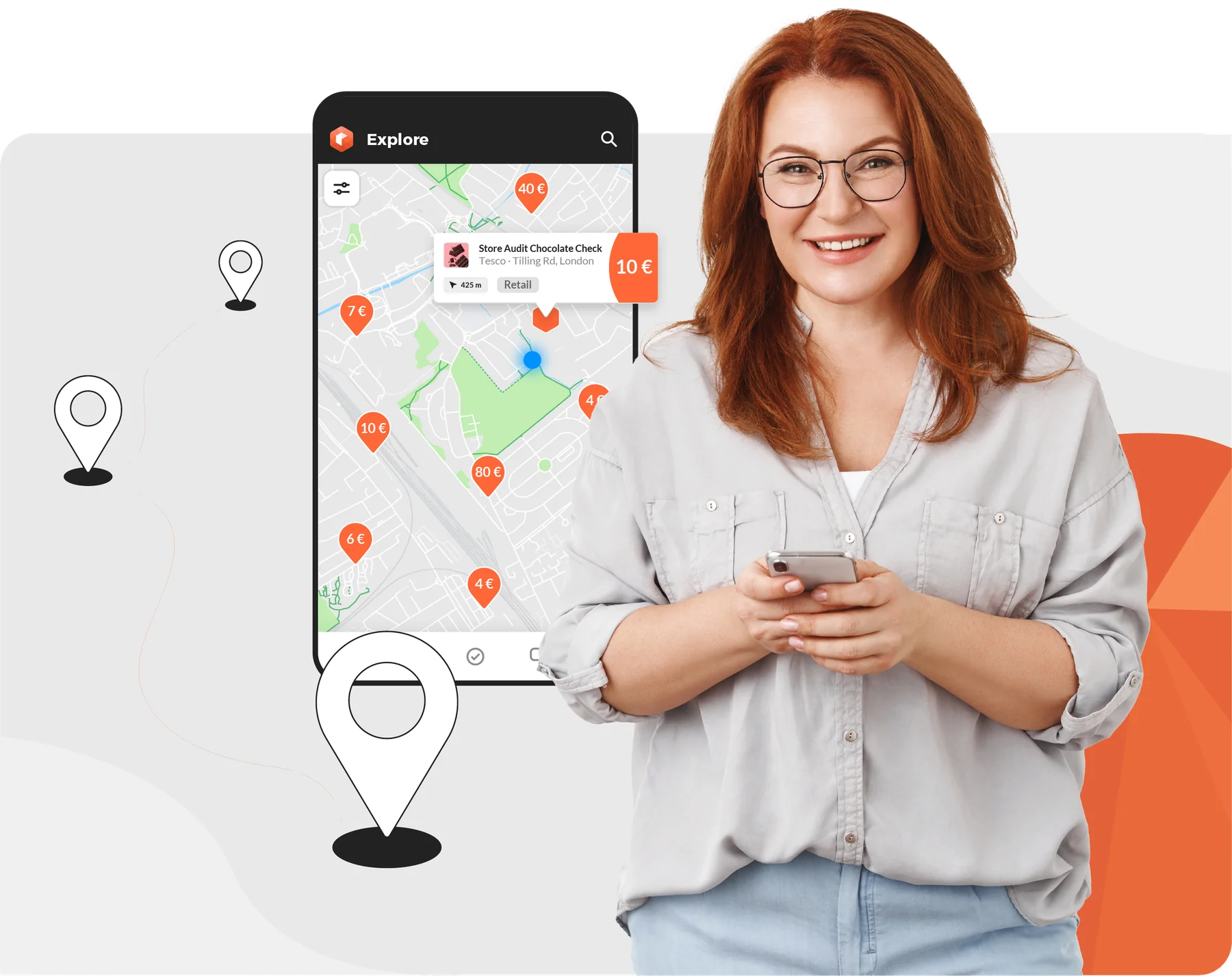
Earn money with your smartphone
A flexible way to supplement your income.
Find out more


Why Roamler

Decide when and where you do tasks

Get paid quickly

Gain new skills
Let's get started
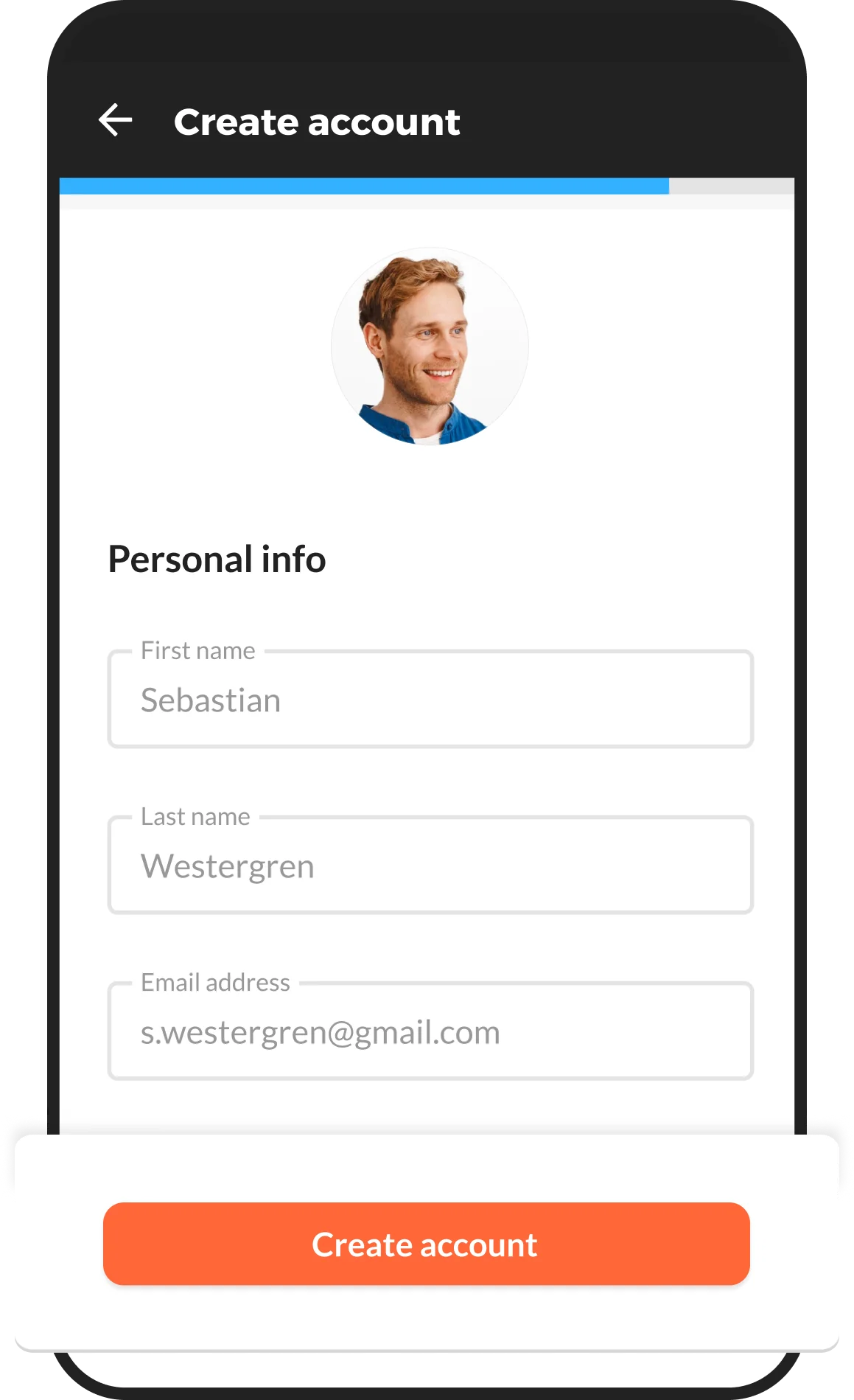
Download the app and register

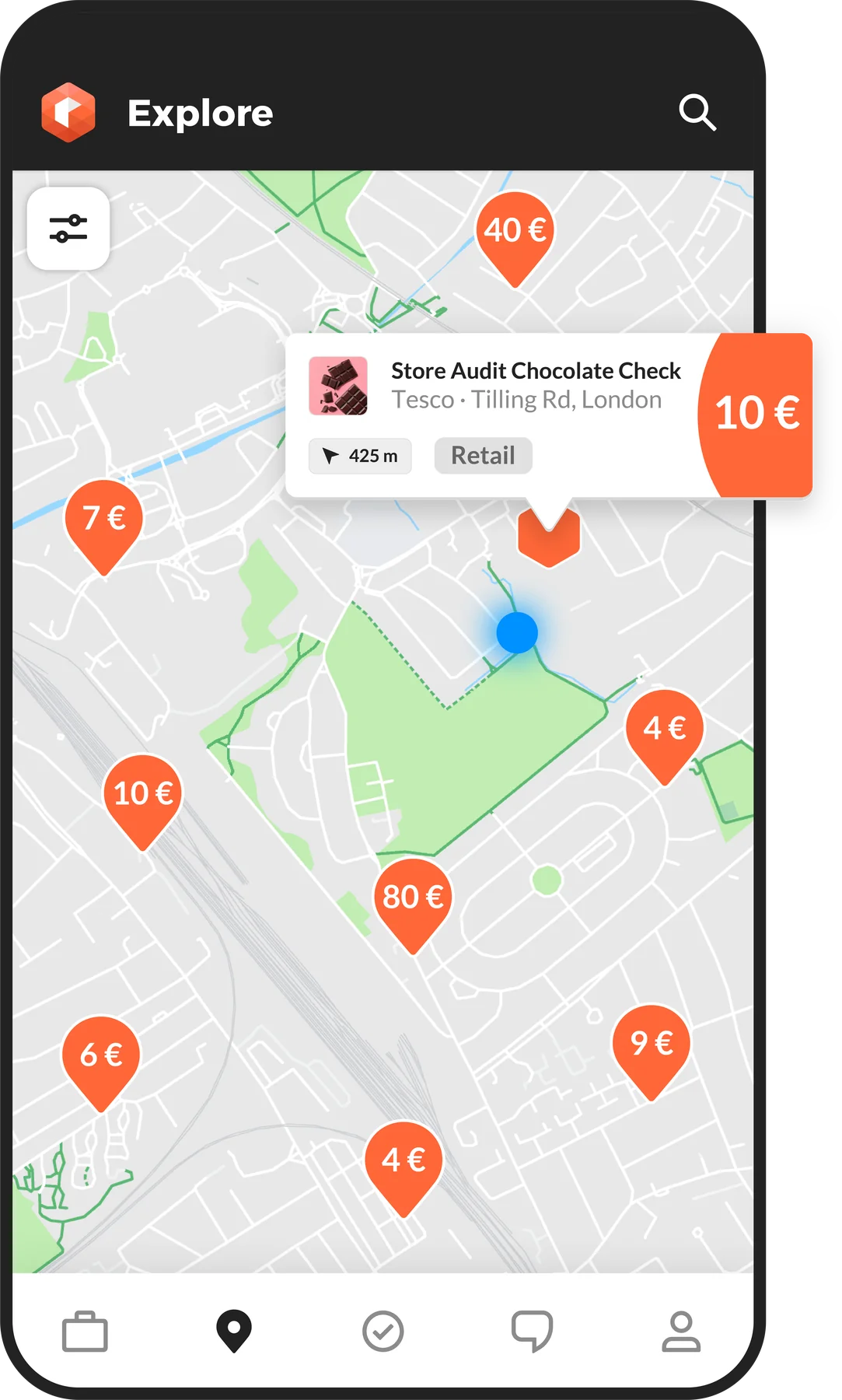
Select, complete and send a task
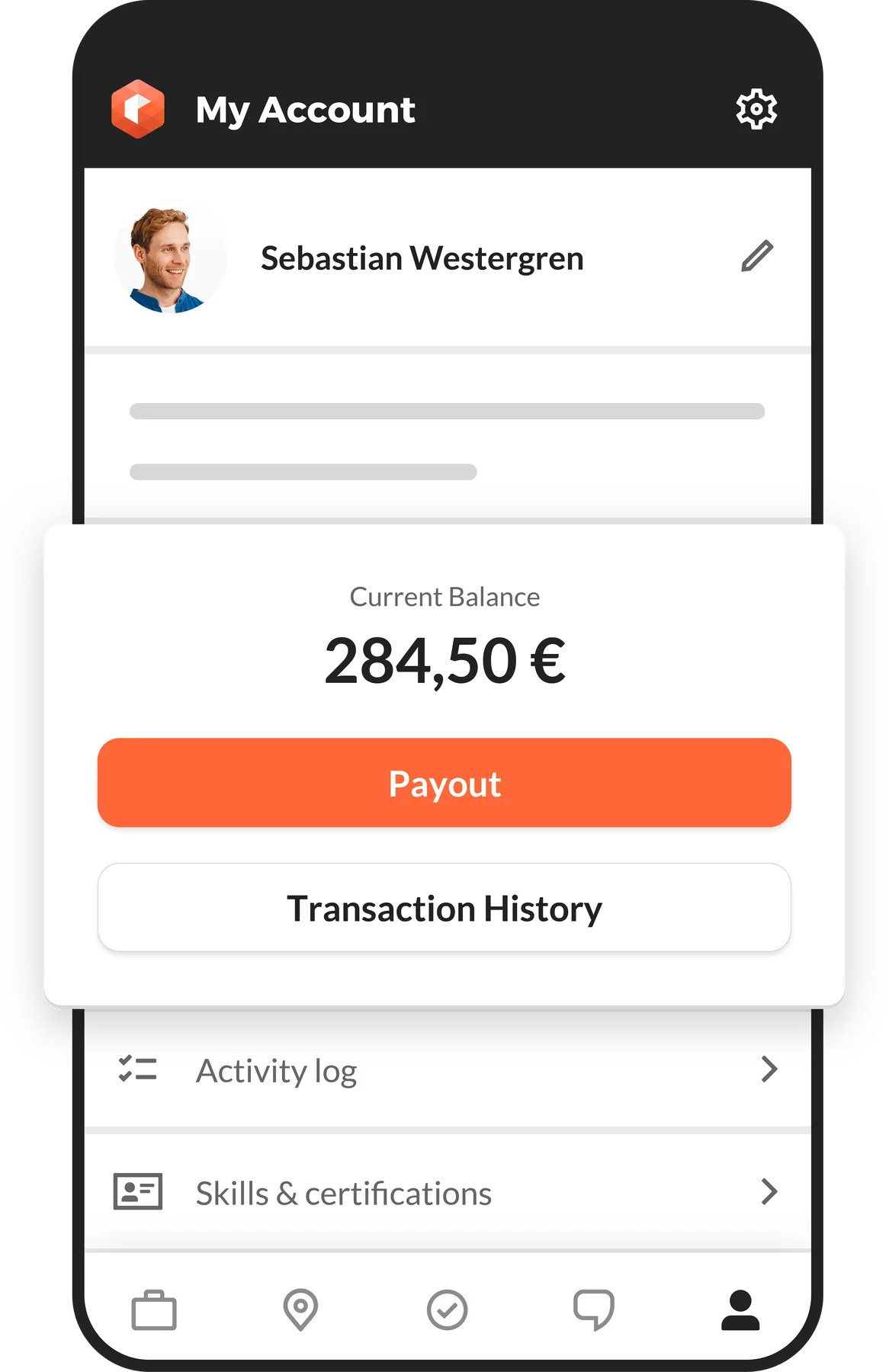
Cash out whenever you like.
Discover our tasks panel

Store Checks
Collect pictures and data about products, prices, and displays

Ratings & Reviews
Receive a product, test it and leave an review

Merchandising*
Set up displays or replenish shelves with missing products

Sales*
Sell products and promotional materials on behalf of our clients
*In France and Belgium: you need to be self-employed (PRO) to complete these tasks.
Already self-employed (PRO)?
Add your information in the app and start earning money.
Please select your country to have the right information.
More than 300 000 Roamlers supplement their income across Europe
"I can organize myself however I want on the app and it's a great way to make some extra cash."

"Doing in-store checks can be combined with getting groceries. Combining the useful with the pleasant, while earning something too, is perfect to me."

"Roamler offers hands-on experience in selling, setting up displays, and developing valuable merchandising and sales skills."

Help Center
Some of the tasks have suddenly disappeared, how can that be?
For some tasks we might only need a specific amount of locations to be visited. In this case, should there be enough locations reserved, the other ones will disappear from the list in the task menu. If a task in one of those locations gets cancelled by a Roamler, or a submission is rejected by our reviewers, this location will be visible again within the task list.
How can I cash out my balance?
You can cash out via your profile page in the app, by clicking 'payout'. The Roamler app gives the option to pay out to your bank account, or to your PayPal account. For all PayPal transactions, regardless of amount, we charge a 3% transaction fee. Bank payments below £25 charge 40p transaction fee, and bank payments above £25 are free. Transaction fees will always be shown in the payout screen before you confirm the request, so you know exactly what you will be paying, and how much you will receive in your bank or PayPal account. Up to £50, money is transferred to your account almost instantly. Higher amounts need to be checked by the Roamler team first, but the payment is usually transferred within a day.